How to get your affiliate ID
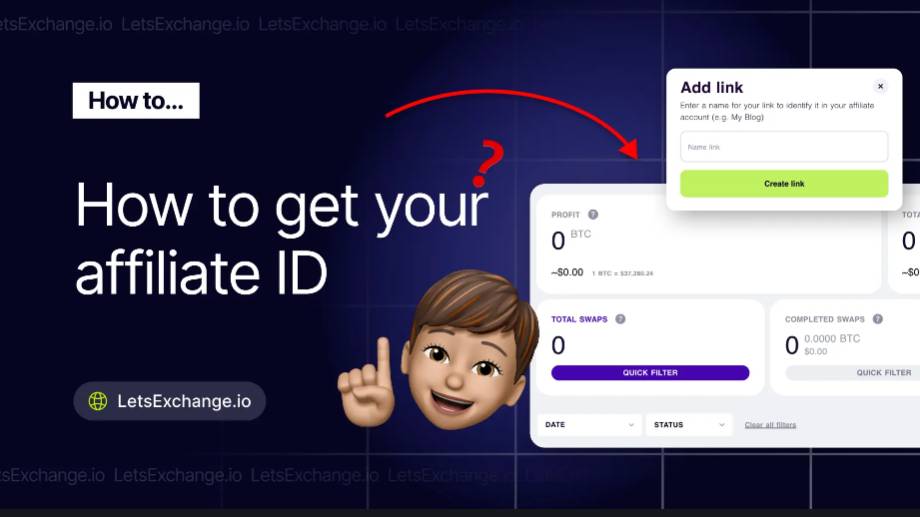
Affiliate ID To communicate with the LetsExchange team about API integration and other partnership activities, you must provide your . Here is how you receive it and where you can find it.
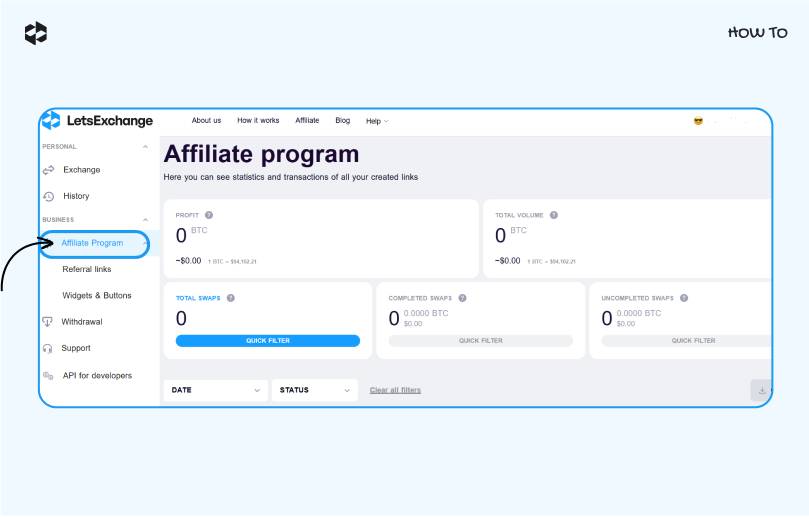
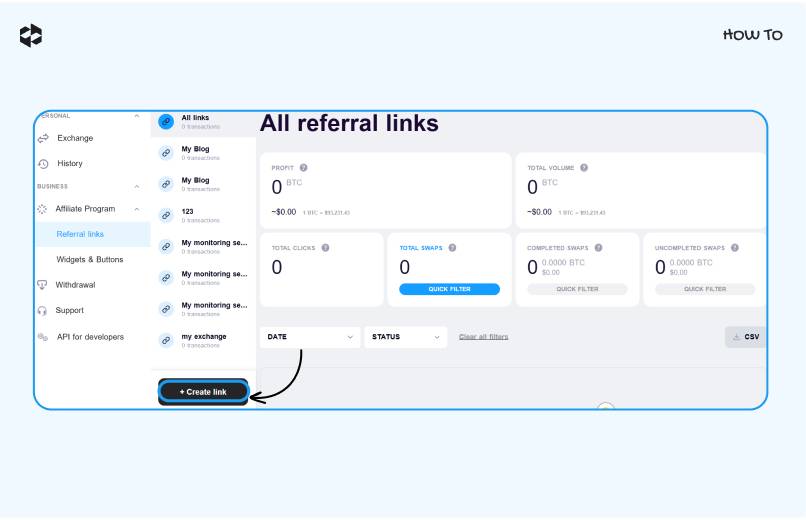
Affiliate Program To receive it, open your personal account and click the tab.
Referral links In the dropdown list, pick the option.
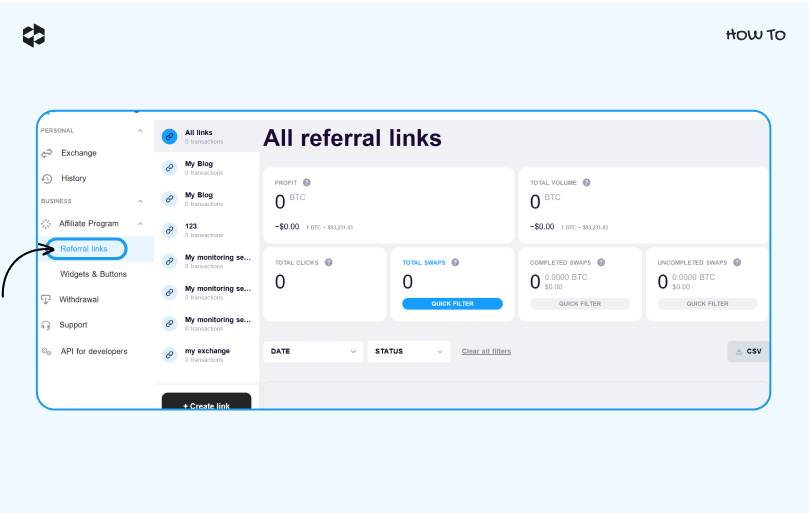
Create link Click the button.
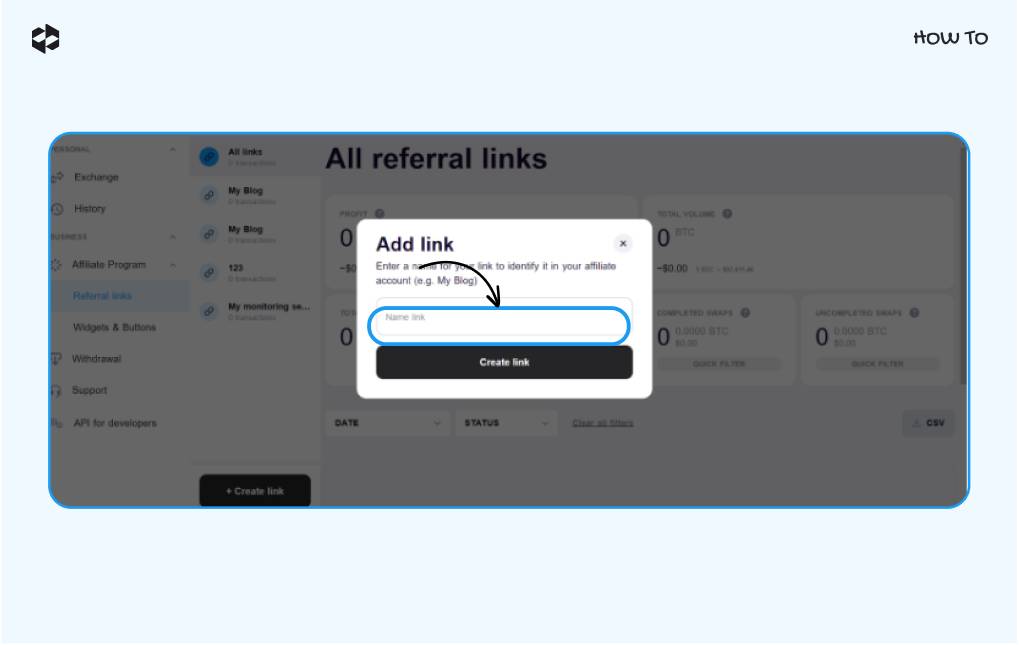
Create link In the popup window, provide a name for your affiliate link, and click on the button.
Click the link to see your Referral ID. This ID is your Affiliate ID.
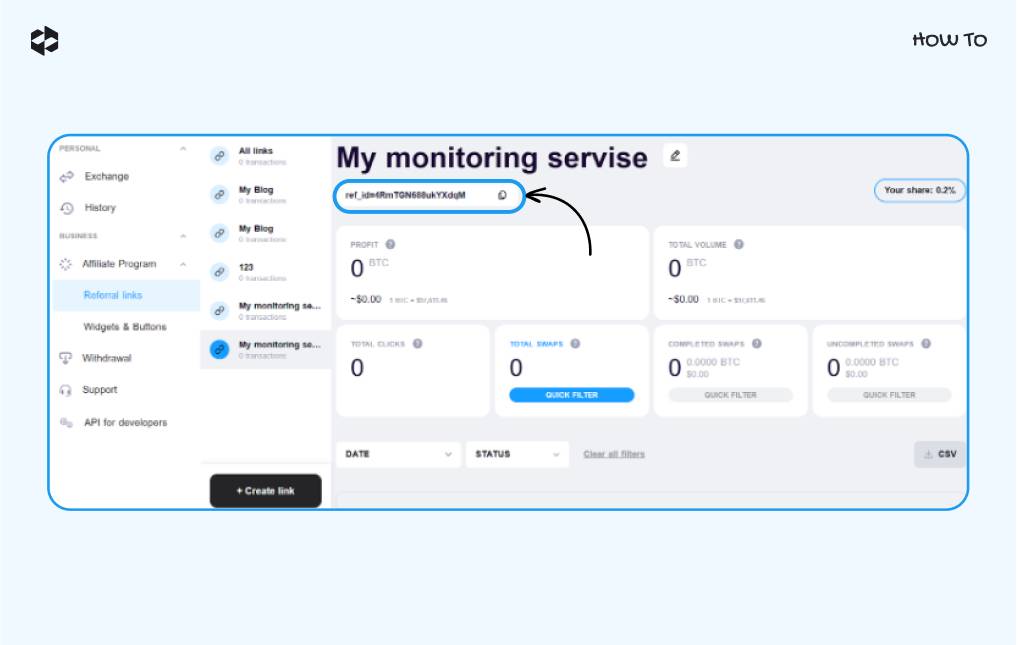
For all requests, you will be asked to provide this affiliate ID along with the API key.


