How to manage API keys

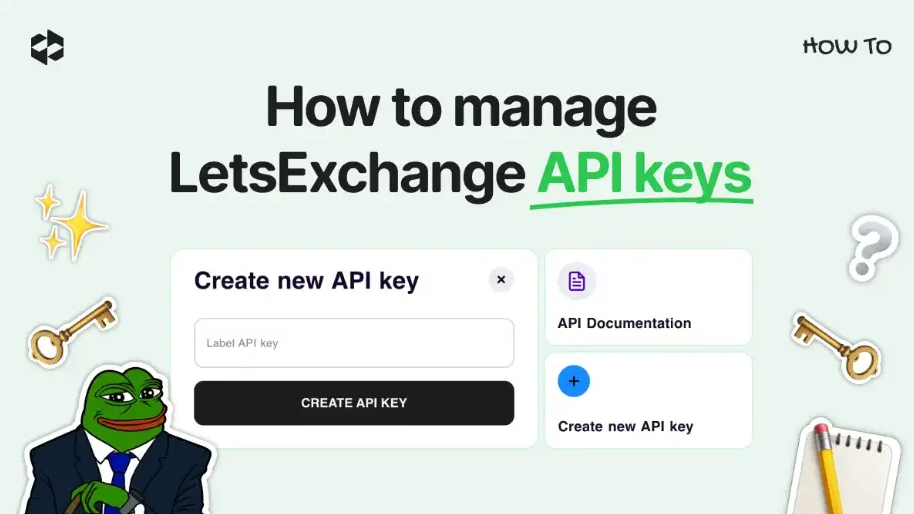
An API key allows you to integrate the LetsExchange functionality into your service or an app. Note, please, that one account can generate only 5 API keys.
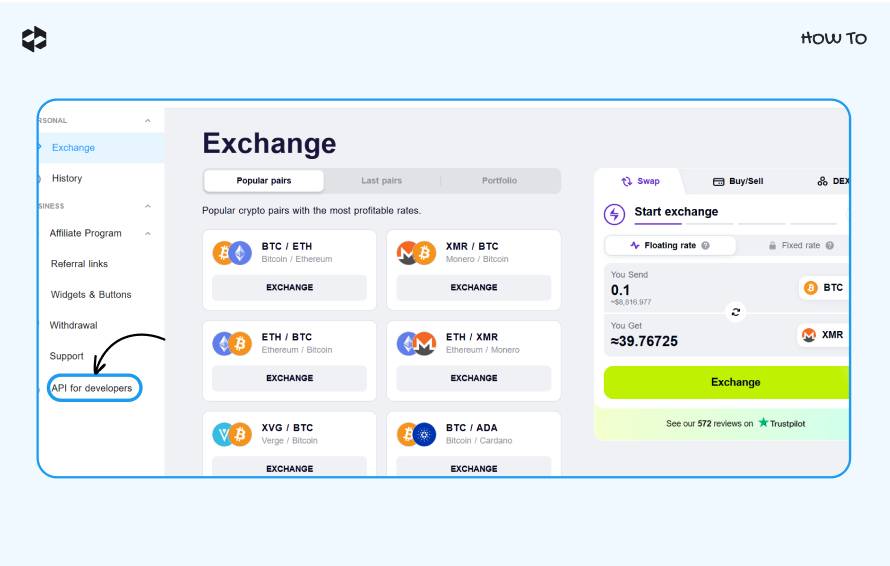
LetsExchange API for developers To generate an API key, log in to your account with and click on the tab.
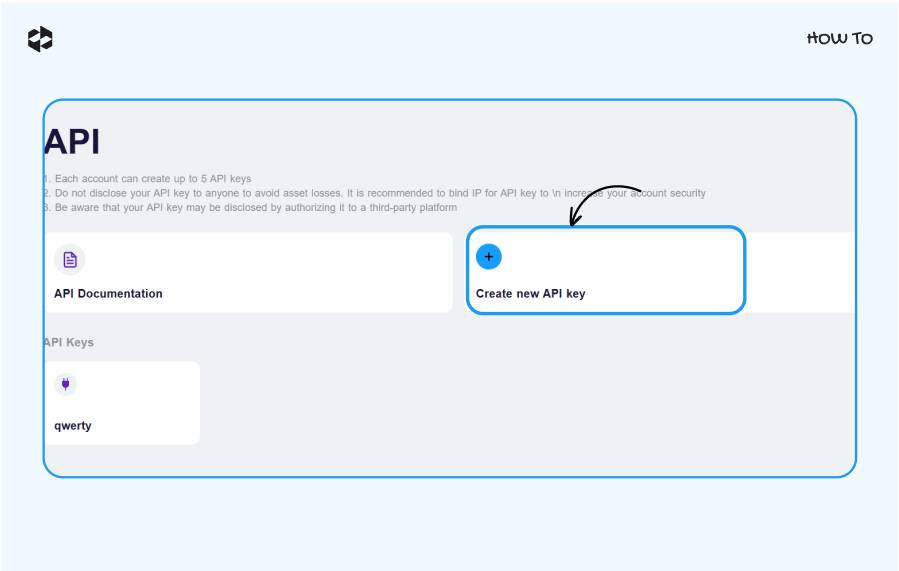
Create new API Key Click the button.
CREATE API KEY Give your unique API key a name, and click the button.
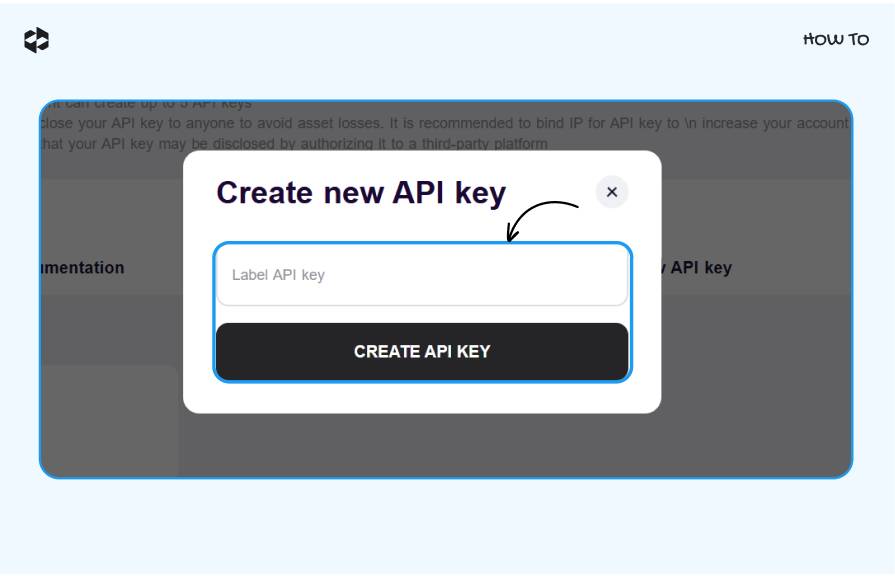
Copy the API key and save it in a safe place because it will be displayed once only.
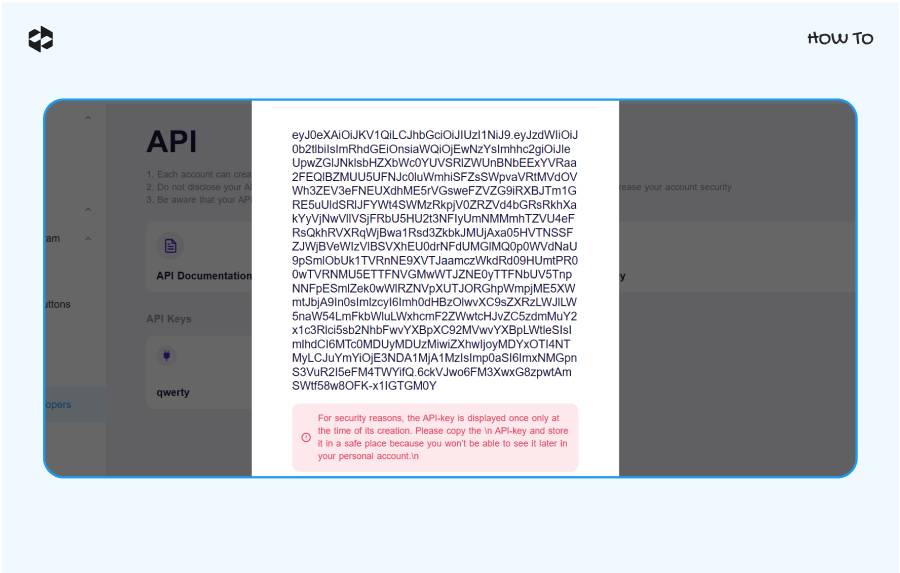
This API key you can use to integrate LetsExchange functionality and for any requests to our processing.
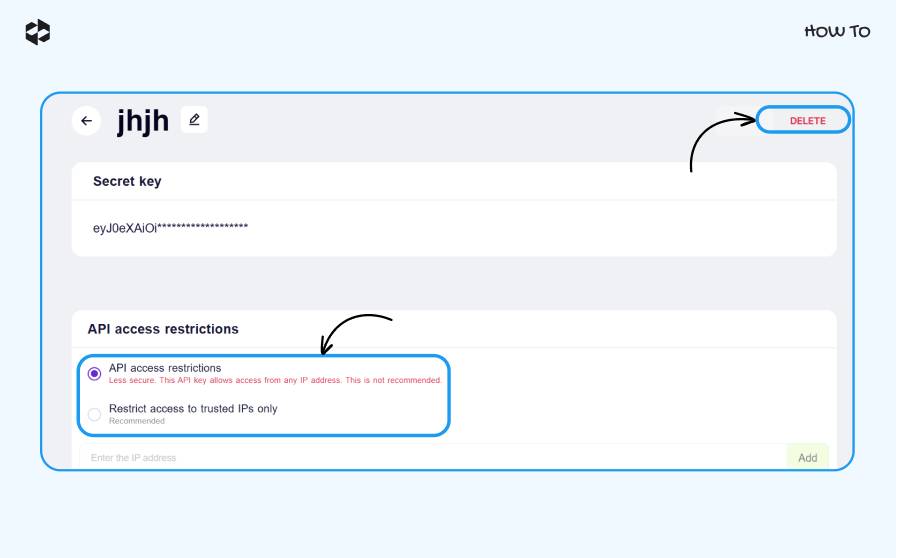
For more security, we recommend restricting the API key permissions to trusted IPs only. To do so, perform the following steps.
Click on the API key.
Restrict access to trusted IPs only Add Tick the option, copy-paste the IP addresses that can access the API key, and click the button.
SAVE Save the changes by clicking the button in the top right corner.
DELETE If you need to delete an API key, click the button.